TARBIYAHHOME

Tarbiyah Home tutorials

Start with Getting started, or choose an app.

Getting started

Meet Tarbiyah, set up your family device, and return to unfinished setup.

3 lessons · In order belowRead the guide
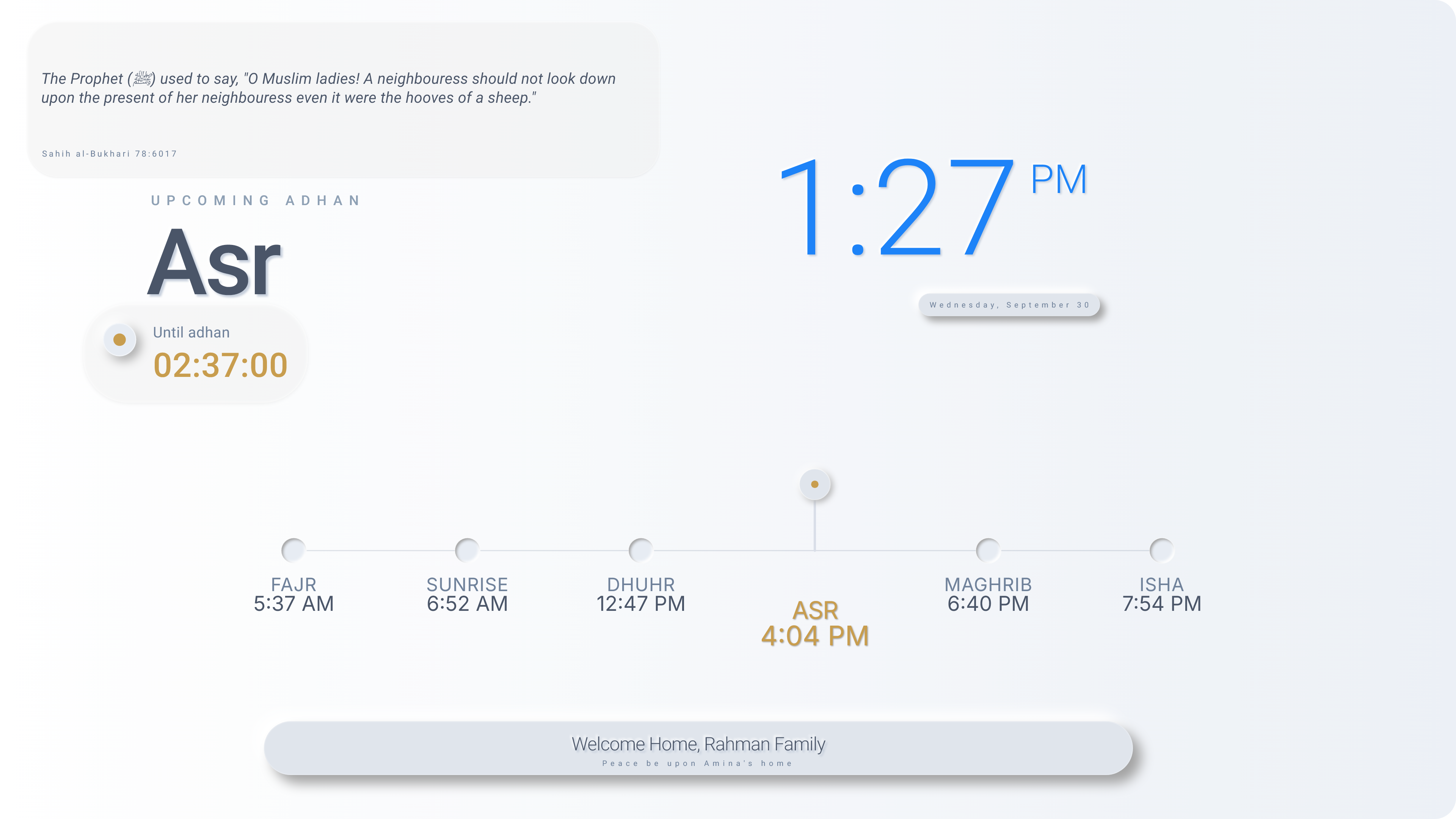
Home is the main screen.
  1. 01Meet TarbiyahMeet Tarbiyah and choose an app for what you want to do.Illustrated guide
  2. 02Set up your family deviceSet up your family device using your own family details and preferred settings.Illustrated guide
  3. 03Return to unfinished setupReturn to unfinished setup, read the messages shown and check completion.Illustrated guide
After Getting startedLearn Home →

Need help with something else?

Tell us what you were trying to do.

Contact support ↗