Download the complete Getting Started guide (PDF)
Meet Tarbiyah
Tarbiyah brings your family's reading, routines and plans together.
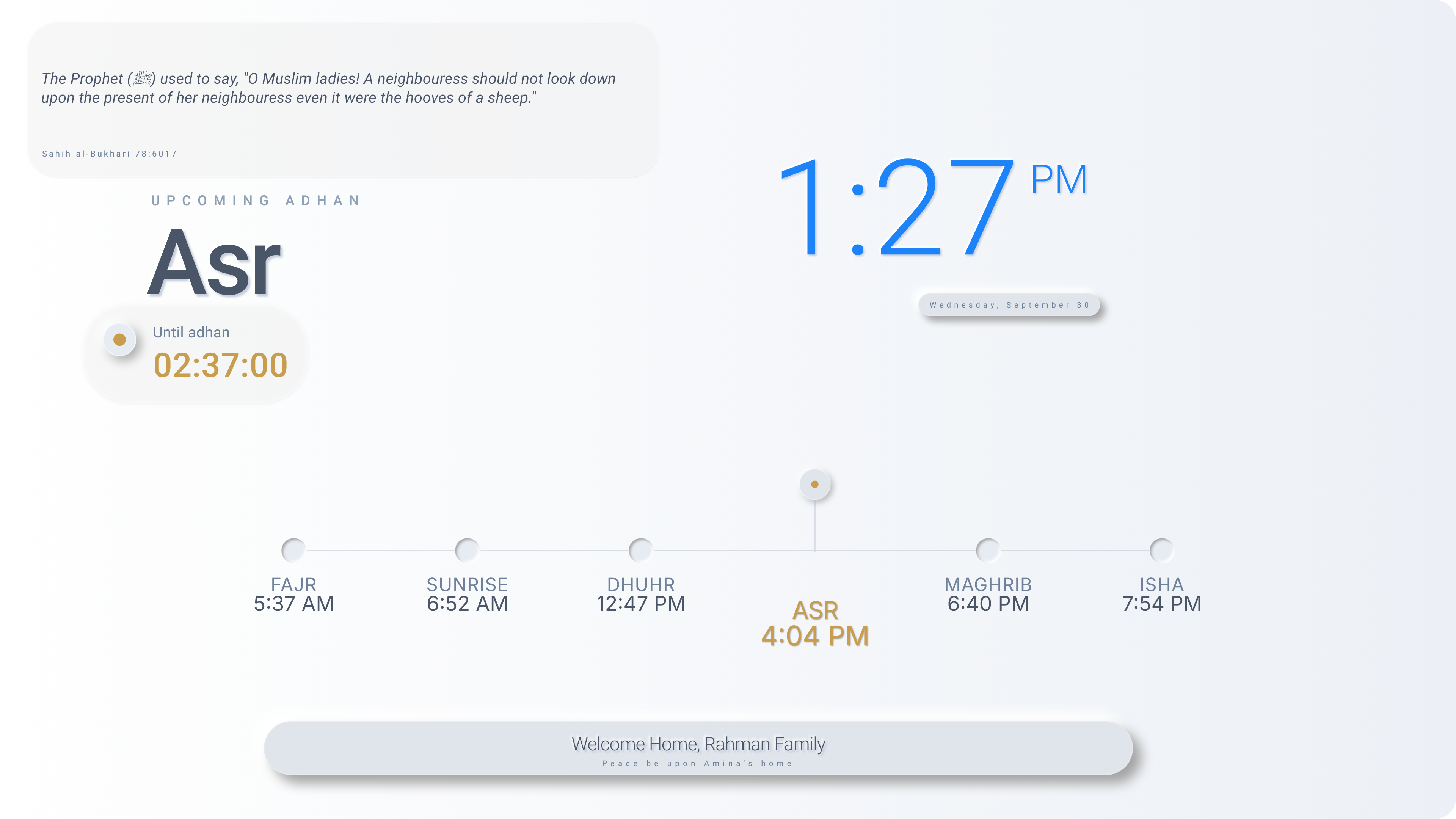
Steps: Home is your main screen. Use the Dock to choose an app.
Choose where to go
Choose an app for what you want to do.
Home: See the day and prayer schedule at a glance.
Quran main screen: Open the Mushaf and check Quran reading tasks and progress.
Mushaf (inside Quran): Read the Quran, explore meaning, and listen or follow along.
Adhkar: Read or listen to collections of duas.
Review: Review progress toward goals and objectives; prayer reports and Quran task progress are the currently supported examples.
Books: Choose a book, read and return to your saved place.
Family Organizer: See family events and tasks, plan ahead, and report completed tasks.
Steps: Quran has a main screen and the Mushaf inside it. They are two areas of the same app.
Start with what you need
Start with the activity you need. You can read without first making a task.
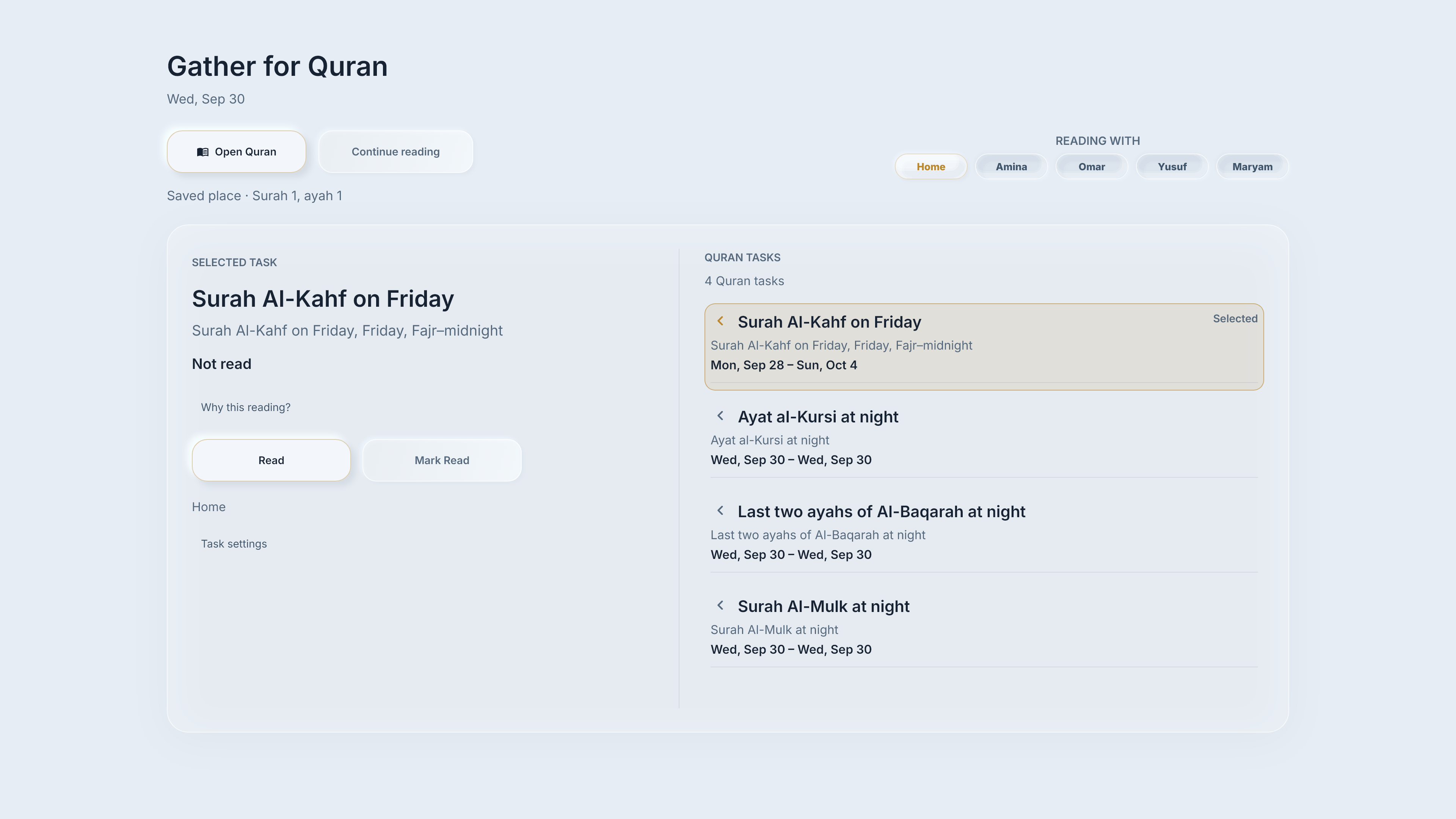
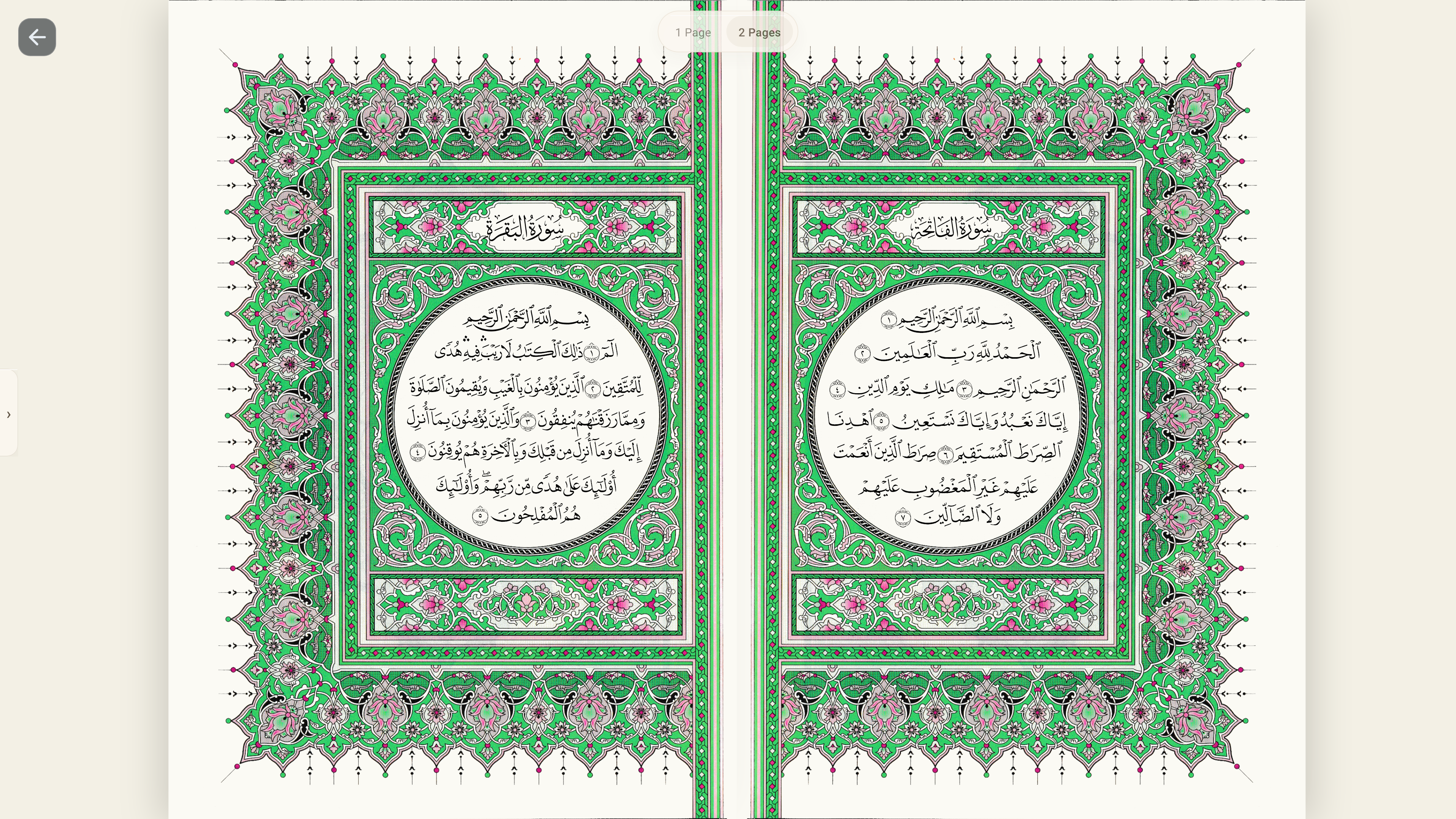
Steps: Choose the lesson for the activity you need. You can start reading without creating a task.
Home lessons: orientation, opening apps, controls and personalization