Download the complete Getting Started guide (PDF)
Return to unfinished setup
If setup was interrupted, continue from the setup screen the device offers.
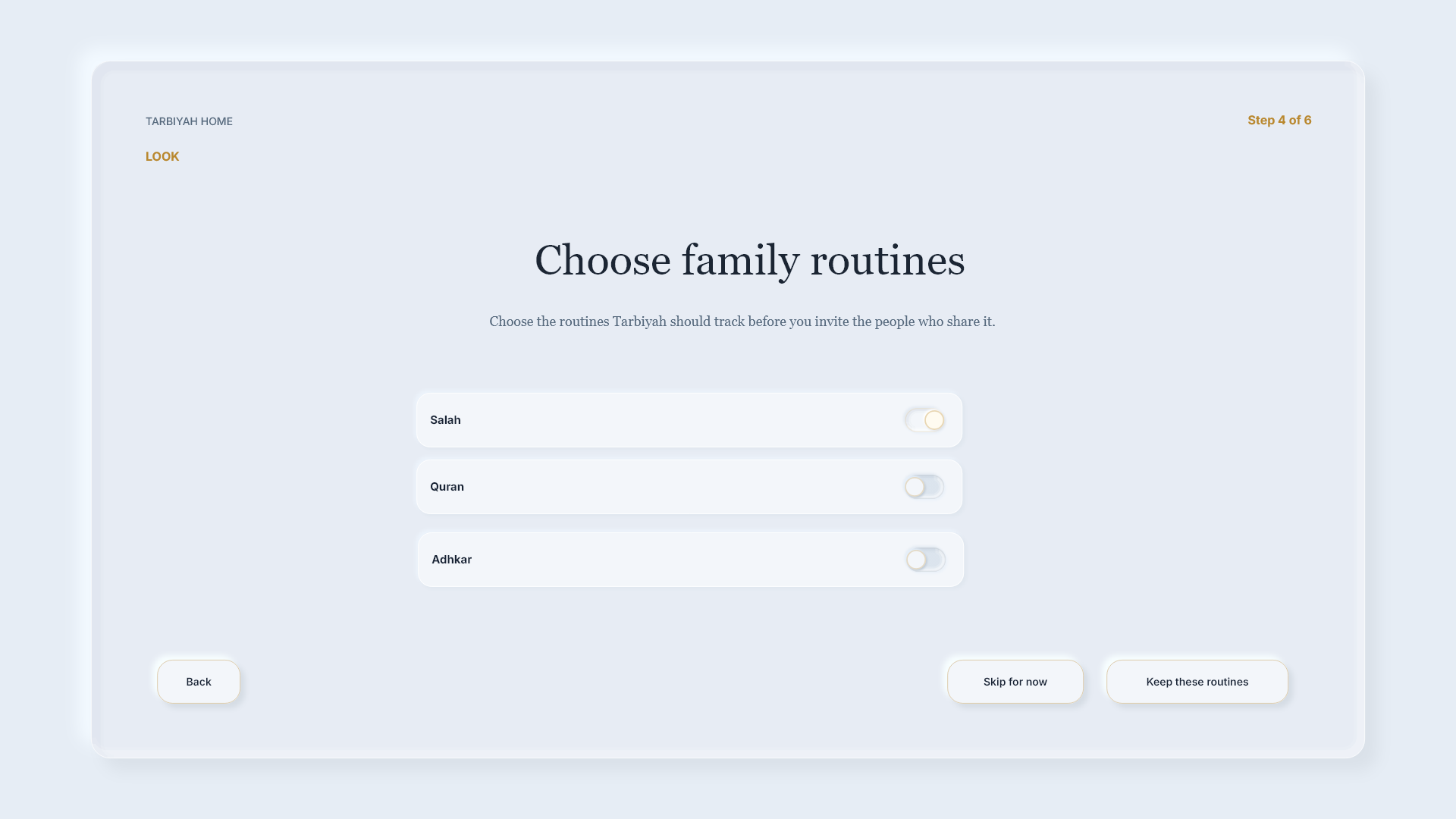
Steps: Check the displayed values before continuing. A saved setup step can be restored; do not assume every unsent change was saved.
Read the message
Read the message before repeating an action.
Steps: A preparation screen is different from a form waiting for your input. Do not reset the device just because preparation takes time.
Retry the appropriate step
If an action could not be saved, correct the issue shown and try that step again.
Steps: Follow the message shown. For network readiness, use Check again when offered. If a separate startup failure offers Try again, use it on that screen.
Check completion
Finish by checking that Home opens.
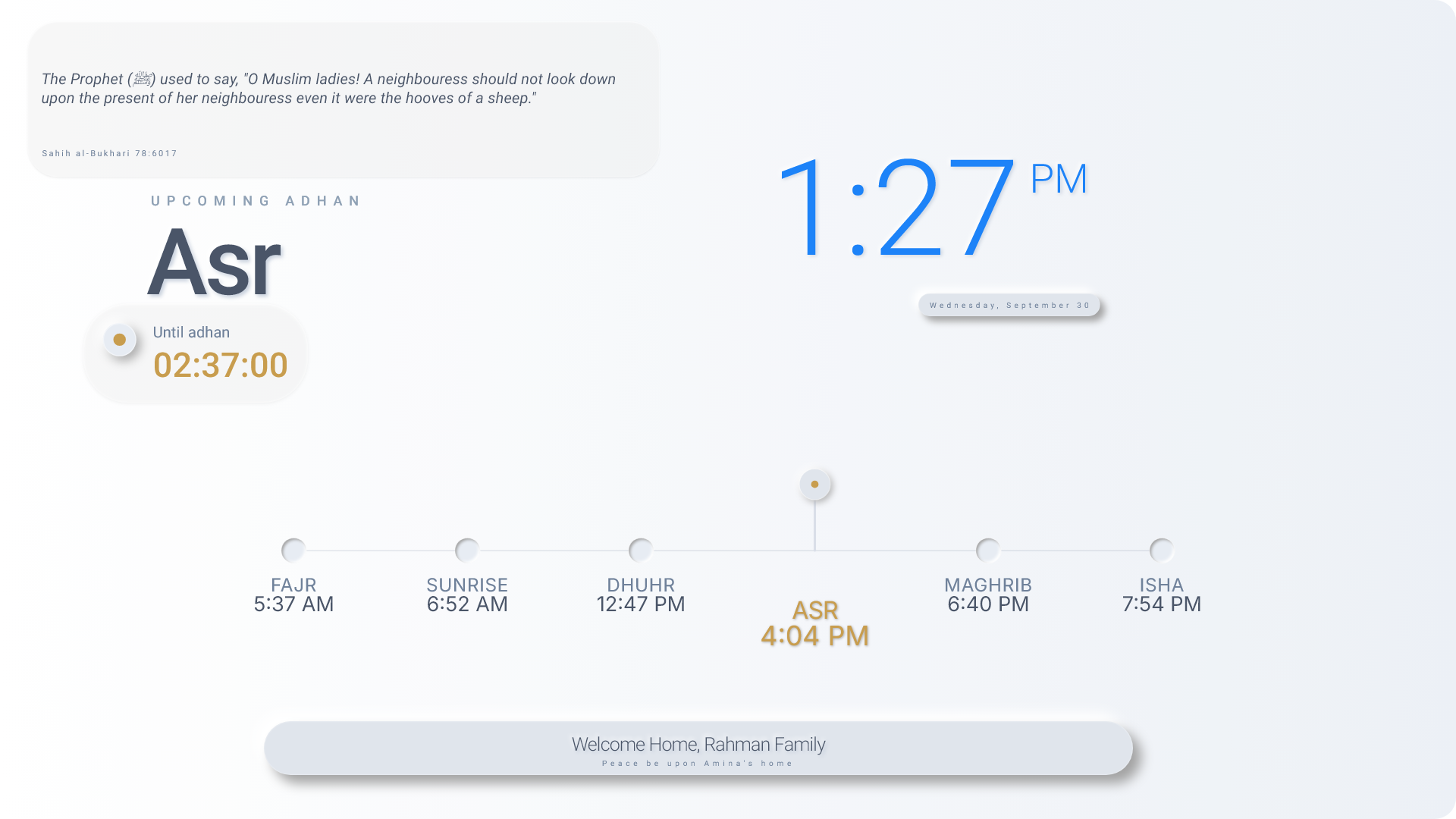
Steps: If the device remains in setup or shows an error, completion is not yet confirmed.
More help
Steps: Continue offline, when offered, is a recovery route. Follow any remaining connection or location message; not every feature works offline. This setup ends with Open Home. Use the separate Settings/Household guidance for later phone pairing.
Home lessons: orientation, opening apps, controls and personalization