Read earlier prayer reports
Use 7 days to look back at recorded prayer reports.
Check the person, prayer and date when reading a report.
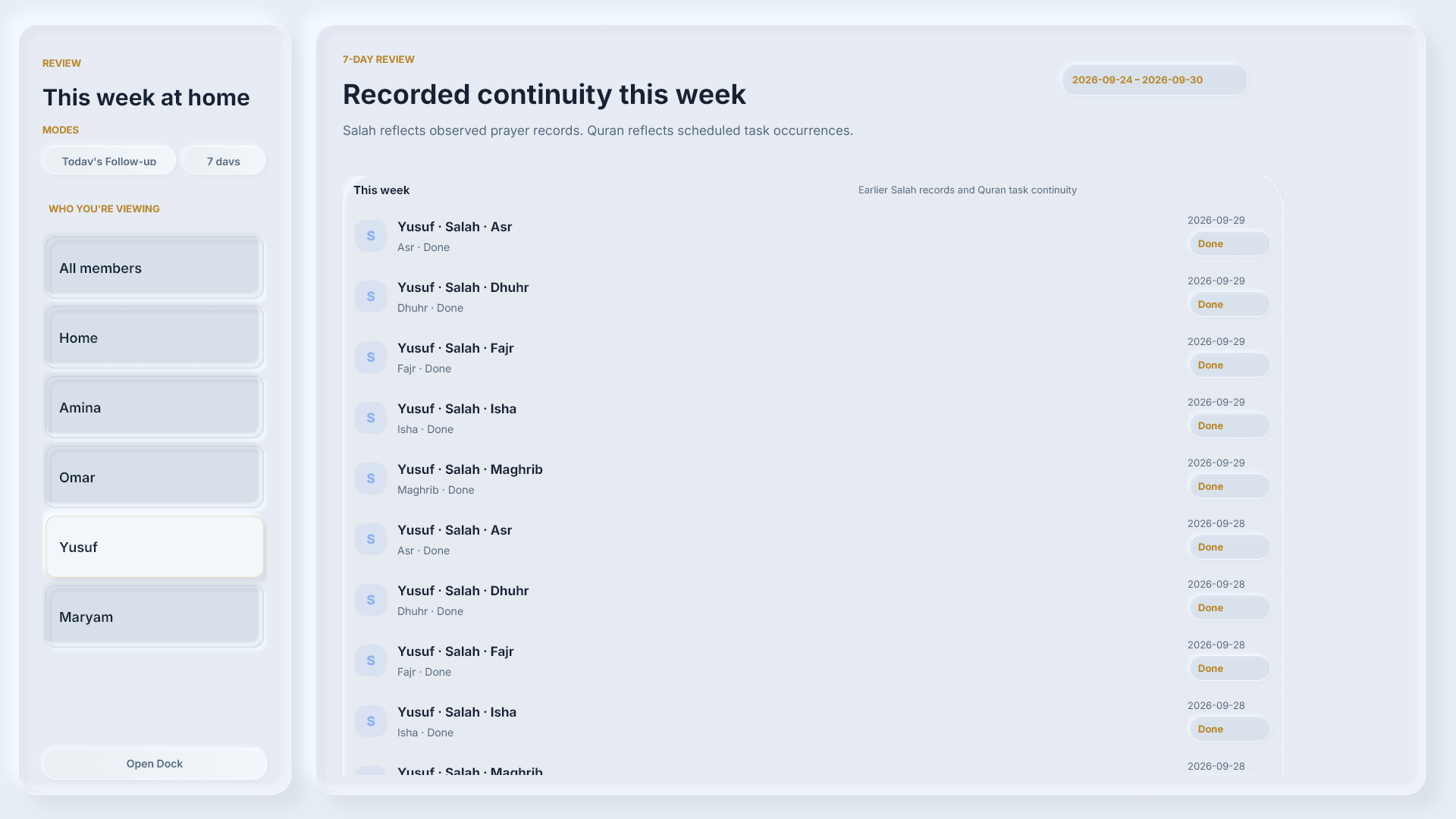
Viewing history does not change the report. Selecting 7 days changes the view. It does not advance the calendar date.
Understand history labels
Earlier reports can use different labels: Qada appears as Missed, and Away as Excused.




Viewing history does not change the report.
These are two views of the same dated reports. Maryam and Omar are example names.
When information is incomplete
An ‘at least’ total shows the completions that can be confirmed.
Unavailable information is not zero progress.
Check the date range and information message before interpreting a total.
The ≥ sign means “at least”.
Keep these distinctions in mind
The Home option shows household Quran tasks. It does not return to the Home screen.
Your saved place in the Mushaf is separate from a completed Quran task.
Review shows recorded information. Missing information alone does not tell you whether someone prayed or read.
For reporting or correcting a Quran task, see Quran lesson 12: Read a task, then report or correct it.